Losing or damaging your Ford Super Duty key fob can be frustrating and stressful. Without a working key fob, you might feel stuck, unable to unlock or start your truck with ease.
But don’t worry programming a replacement key fob is easier than you think, and you can do it yourself without expensive trips to the dealer. In this guide, you’ll discover simple, step-by-step instructions to get your new key fob working quickly and smoothly.
Keep reading, and you’ll be back in control of your Ford Super Duty in no time.
Credit: www.ebay.com
Tools Needed
Programming a Ford Super Duty key fob requires some specific tools. Having the right tools ready makes the process smoother. It prevents mistakes and saves time. This section covers the key fob types and the equipment needed for programming.
Key Fob Types
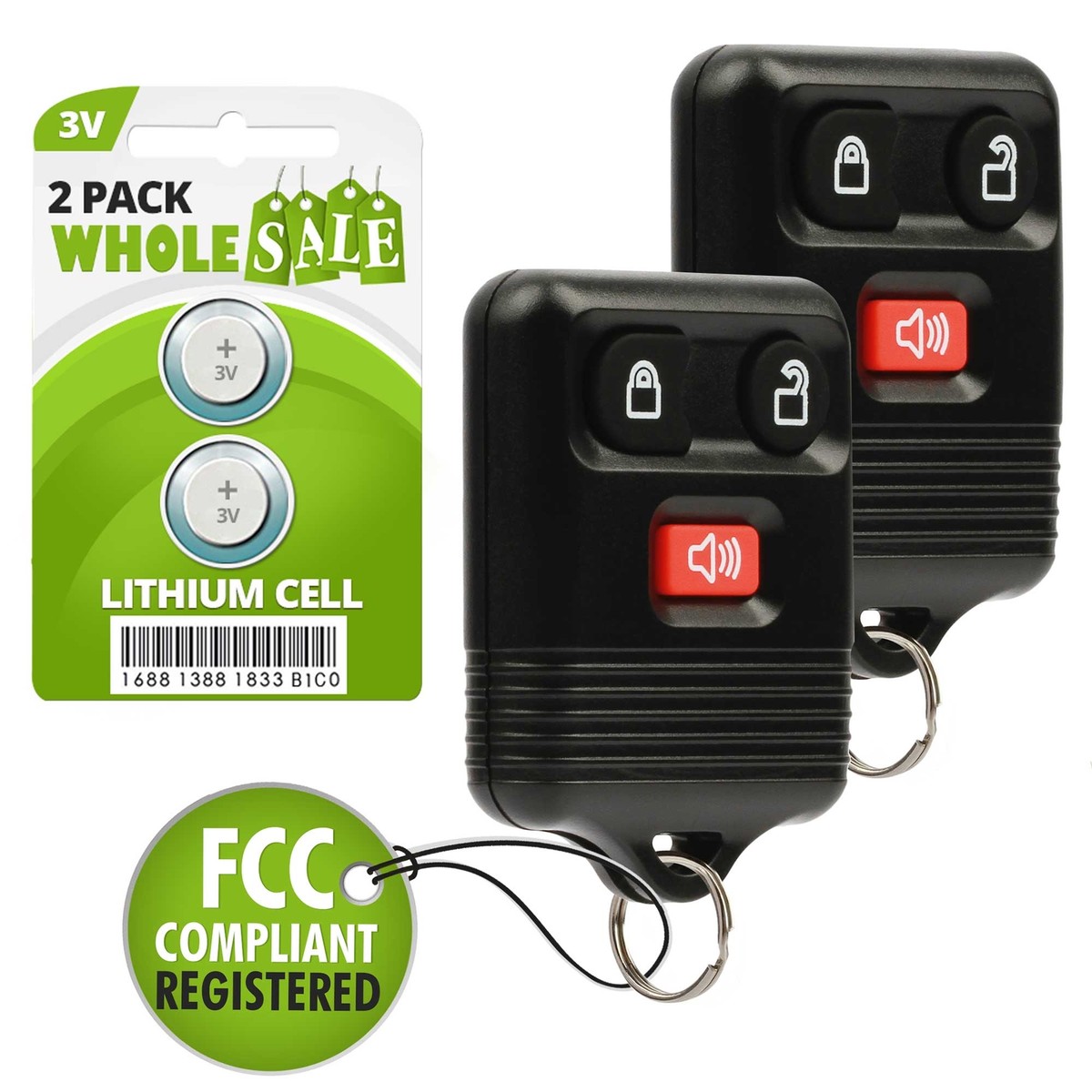
Ford Super Duty trucks use different key fob models. Some key fobs have remote keyless entry only. Others combine a key blade with remote functions. Newer models may have smart keys with push-button start. Knowing your key fob type helps choose the correct programming method. Check your owner’s manual or the back of your key fob to identify the model.
Required Equipment
You need a few basic tools to program your key fob. Start with the new or replacement key fob. A working vehicle key is essential for certain programming steps. A screwdriver might be needed to open the key fob case. Some models require access to the ignition or fuse box. Having a pen and paper helps to note down any codes. A compatible OBD2 scanner can speed up programming for advanced models.
Preparation Steps
Before programming a Ford Super Duty key fob replacement, proper preparation is essential. These steps help ensure the process runs smoothly. Taking time to prepare reduces errors and saves time.
Check Battery
Start by checking the key fob’s battery. A weak or dead battery can stop programming from working. Use a battery tester or replace the battery with a new one. Most Ford key fobs use a CR2032 battery. Make sure it is inserted correctly.
Also, check the vehicle’s battery. A low car battery might cause the system to fail. Fully charge or replace the vehicle battery if needed.
Vehicle Positioning
Position the vehicle in a safe, flat area. Keep the doors closed during programming. Ensure no electronic devices are near the car that might cause interference.
Turn off all accessories such as the radio and air conditioning. This helps avoid electrical interruptions during the process. Keep the ignition off before starting the programming steps.
Programming Process
The programming process for a Ford Super Duty key fob replacement is straightforward. It requires following clear steps to enter programming mode and sync the new key fob. This process allows the vehicle to recognize the new remote. It ensures the key fob works correctly with your truck’s security system.
Enter Programming Mode
Start by closing all doors and sitting inside the truck. Insert the key into the ignition and turn it to the “On” position without starting the engine. Cycle the key between “Off” and “On” eight times quickly, ending in the “On” position. The door locks will automatically cycle to confirm entry into programming mode. This step prepares the truck to accept new key fob signals.
Sync New Key Fob
Press any button on the new key fob within 10 seconds of entering programming mode. The door locks will cycle again to confirm successful programming. Repeat this step for any additional key fobs. Turn the ignition to the “Off” position to exit programming mode. Test the key fob to ensure all functions work properly. This sync process connects the new remote to your Ford Super Duty.

Credit: www.youtube.com
Testing The Key Fob
Testing the key fob is a crucial step after programming your Ford Super Duty replacement. It ensures the key fob works properly with your truck. Checking each function helps avoid problems later. Follow simple tests to confirm all features respond as expected.
Lock And Unlock Functions
Stand near your Ford Super Duty. Press the lock button on the key fob. The doors should lock immediately. Listen for the sound of locks clicking.
Next, press the unlock button. The doors should unlock without delay. The lights may flash to confirm the action. If either function fails, recheck the programming steps.
Remote Start Verification
Remote start lets you start the engine from a distance. Press the remote start button on the key fob. The engine should start within seconds.
Check if the dashboard lights up and the engine sounds running. If the truck does not start, verify the key fob is programmed correctly. Confirm you are within the allowed range for remote start.
Troubleshooting Tips
Troubleshooting your Ford Super Duty key fob replacement can save time and money. Small issues often cause programming failures. Understanding common problems helps fix them quickly. Some problems need a careful approach. Others require expert help.
Common Issues
One frequent problem is weak key fob battery. Replace it with a new one. Another issue is poor signal due to distance from the truck. Stay close during programming. Dirt or moisture on the key fob can block signals. Clean the fob gently with a soft cloth.
Incorrect programming steps also cause failure. Follow instructions carefully. Turn the ignition on and off as required. Some keys need more than one try. Resetting the system by disconnecting the battery can help. Always check for software updates at your dealer.
When To Seek Professional Help
Some issues need a technician’s skill. If the key fob still does not work after several tries, get help. Problems with the vehicle’s receiver or computer require special tools. A pro can test and fix these quickly. Also, lost or damaged keys often need professional replacement. Avoid wasting time on complex problems. Experts ensure your key fob works properly and safely.

Credit: www.youtube.com
Frequently Asked Questions
How Do I Program A Ford Super Duty Key Fob Replacement?
To program a Ford Super Duty key fob replacement, start by sitting in the driver’s seat. Insert the key and turn it from OFF to ON eight times quickly. The door locks will cycle, signaling programming mode. Press any button on the new fob to complete the process.
Can I Program My Ford Key Fob Without A Dealer?
Yes, you can program your Ford key fob without a dealer. Follow the vehicle’s manual instructions carefully. Most Ford Super Duty models allow DIY programming using the ignition key and door lock switches. This saves time and money compared to dealer programming.
What Tools Are Needed To Program Ford Super Duty Key Fob?
No special tools are needed to program a Ford Super Duty key fob. You only need your vehicle’s ignition key and the new key fob. Programming is done inside the vehicle using the ignition and door lock controls.
How Long Does Ford Key Fob Programming Take?
Ford key fob programming usually takes about 5 to 10 minutes. The process is quick if you follow the steps correctly. Ensure your battery is fresh in the key fob for smooth programming.
Conclusion
Programming a Ford Super Duty key fob is simple with clear steps. Follow each instruction carefully to avoid mistakes. Use the right tools and stay patient through the process. This saves time and money compared to dealership visits. Keep your key fob working well to ensure easy vehicle access.
Practice these steps to feel more confident next time. A working key fob means less hassle and more convenience every day.
Disclosure: As an Amazon Associate, I may earn from qualifying purchases at no extra cost to you. Amazon and the Amazon logo are trademarks of Amazon.com, Inc, or its affiliates.
- Amazon, Amazon Prime, the Amazon logo and Amazon Prime logo are trademarks of Amazon. com, Inc. or its affiliates.

I am Sadman, the founder of CarSensorHub.com, where I share my passion for cars and technology. I specialize in writing detailed reviews and helpful guides on car gadgets, accessories, safety tools and many more. My mission is to help car owners discover the best products and tips to improve their driving experience and stay safe on the road.