If you want better sound in your Ford Maverick, adding aftermarket speakers is one of the best upgrades you can make. Imagine turning every drive into a concert with clear, powerful music that fills your truck.
You might think installing new speakers is complicated, but it’s easier than you expect. In this guide, you’ll learn simple steps to choose and install aftermarket speakers that fit perfectly and boost your audio experience. Keep reading, and you’ll be ready to transform your Maverick’s sound system like a pro.

Credit: www.amazon.com
Choosing The Right Speakers
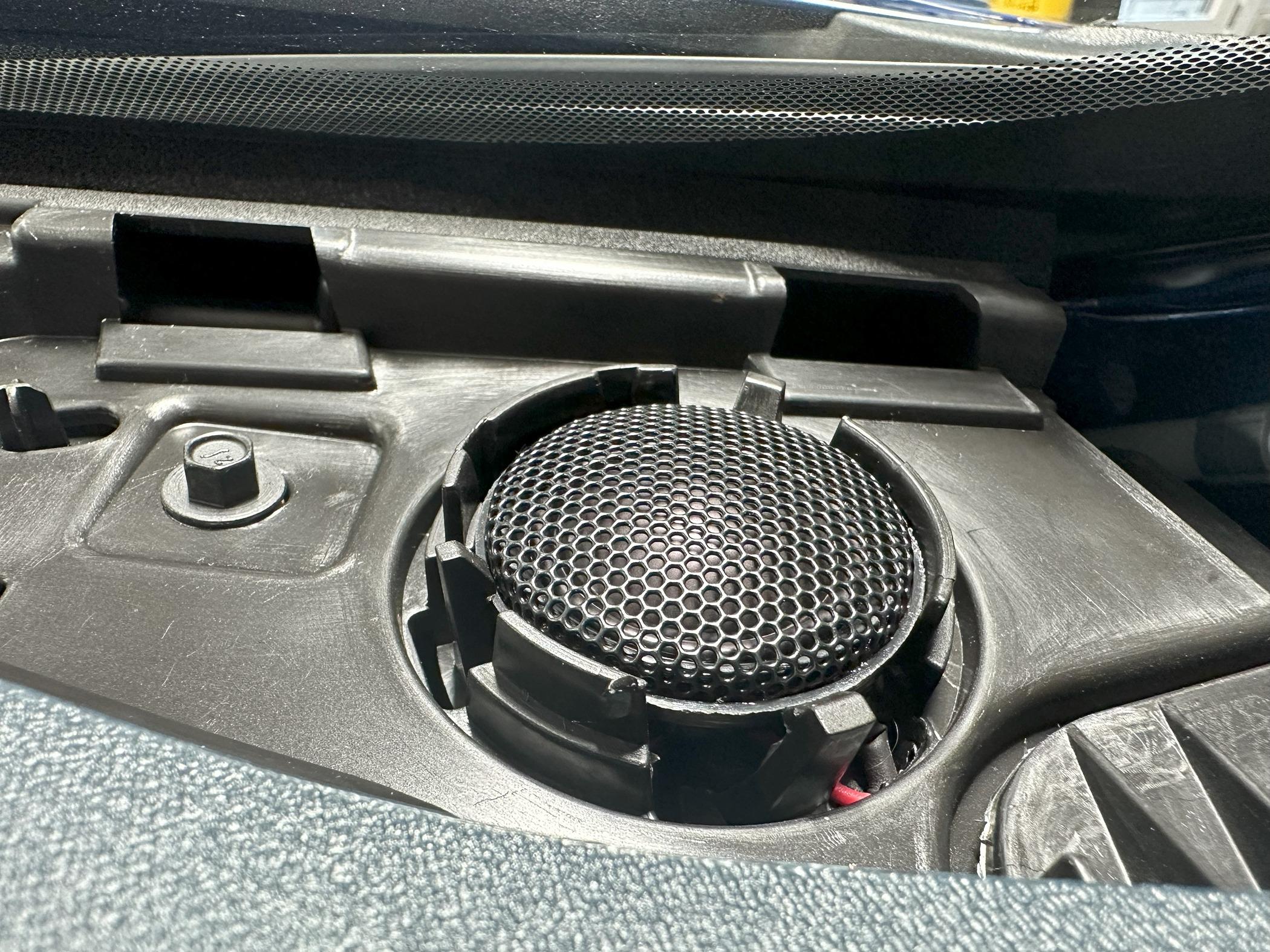
Aftermarket speakers come in different types: coaxial and component. Coaxial speakers combine tweeters and woofers in one unit. Component speakers have separate parts for better sound quality. Choose based on space and sound needs.
Speaker size must match your Ford Maverick’s speaker openings. Common sizes are 6.5 inches and 6×9 inches. Using the right size ensures easy installation and better sound.
Power handling means how much wattage the speaker can take. Check your car stereo’s power output. Pick speakers that can handle equal or higher power to avoid damage.
Sound quality depends on materials and design. Look for speakers with good bass, clear mids, and crisp highs. Good speakers make music sound rich and clear.
Read More: What are the Ford Maverick Drive Modes And When to Use Them
Tools And Materials Needed
To add aftermarket speakers to a Ford Maverick, gather these basic tools: a screwdriver set, wire strippers, electrical tape, and a panel removal tool. These tools help remove old speakers and install new ones easily.
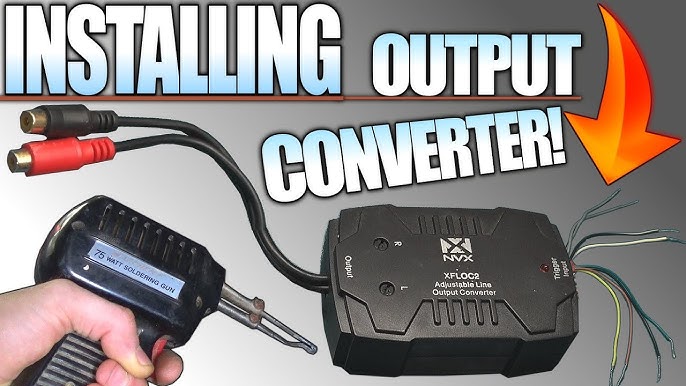
For wiring accessories, you will need speaker wire, wire connectors, and a wiring harness adapter. The adapter fits the Ford Maverick’s factory plugs without cutting wires.
Additional components may include speaker brackets, sound deadening material, and screws. Brackets hold the speakers firmly in place. Sound deadening helps improve audio quality by reducing vibrations.
Preparing Your Ford Maverick
Start by carefully removing the door panels. Use a panel removal tool or a flat screwdriver wrapped in cloth. Unscrew all visible screws and gently pry the panel away from the door frame. Take care not to break any clips. Place the panels in a safe spot.
Next, disconnect the factory speakers. Locate the speaker wires and unplug the connectors. Note how the wires are connected to avoid confusion later. Keep the old speakers in case you want to reuse them.
Then, inspect the wiring harness for any damage or wear. Check for loose or frayed wires. Fix or replace damaged parts before installing new speakers. A clean harness ensures good sound and prevents shorts.
Credit: www.youtube.com
Installing Aftermarket Speakers
Start by removing the door panel carefully to access the speaker area. Use a screwdriver to take out screws holding the old speaker. Place the new speaker in the same spot. Align the holes to fit the screws properly.
Next, connect the speaker wires to the new speaker terminals. Match the positive wire to the positive terminal, and the negative wire to the negative terminal. Use wire connectors or tape for a tight fit. Make sure no wires are loose.
Finally, secure the speaker with screws to prevent movement. Test the speaker by playing sound to check the connection. If sound is clear, put the door panel back on. Press it firmly to snap it into place.
Testing And Tuning
Start by turning on your Ford Maverick’s audio system. Play music to check each aftermarket speaker works well. Listen for clear sound and no buzzing or crackling noises. Test all speakers, including front and rear ones. Adjust balance and fade settings to focus sound on different areas inside the truck.
Use the audio system’s equalizer to tweak bass, treble, and midrange. Small changes improve sound quality a lot. Keep settings simple to avoid distortion.
Common issues include no sound, low volume, or poor sound quality. Check speaker wires for loose or wrong connections. Make sure the amplifier, if used, is powered on and properly connected. Replace blown fuses if needed. If problems persist, try swapping speakers to find faulty ones.
Enhancing Sound Performance
Adding amplifiers helps boost the speaker’s power. This makes sound clearer and louder. Amplifiers give more control over bass and treble. They reduce distortion even at high volumes. Choose an amp that matches your speaker’s power needs.
Sound deadening materials reduce road noise inside the truck. They stop vibrations that hurt sound quality. Use mats or foam in doors and floors. This makes music sound richer and cleaner. It also helps keep the car quieter.
Upgrading head units improves control over music settings. New units often have better sound outputs. They support Bluetooth, USB, and apps for easy use. A good head unit can balance sound and add features. Make sure it fits your Maverick’s dashboard size.
Credit: www.mavericktruckclub.com
Frequently Asked Questions
How Do I Choose The Right Aftermarket Speakers For Ford Maverick?
Select speakers that match your Maverick’s size and power needs. Consider speaker type, impedance, and sensitivity for best sound quality. Check compatibility with your vehicle’s audio system before purchase to ensure proper fit and performance.
Can I Install Aftermarket Speakers Without Professional Help?
Yes, you can install aftermarket speakers yourself with basic tools. Follow a step-by-step guide, disconnect the battery, remove door panels, and carefully connect wiring. Ensure proper mounting to avoid sound issues or damage.
What Tools Are Required To Add Speakers To Ford Maverick?
You need screwdrivers, panel removal tools, wire strippers, and electrical tape. A multimeter helps check wiring, and a drill may be necessary for mounting. Having the right tools simplifies installation and prevents damage.
Will Aftermarket Speakers Improve My Ford Maverick’s Sound Quality?
Aftermarket speakers generally provide clearer, richer sound compared to factory ones. Quality speakers enhance bass, treble, and volume, improving the overall listening experience. Proper installation is key to maximizing sound improvement.
Conclusion
Adding aftermarket speakers to your Ford Maverick can boost sound quality. The process is simple if you follow the steps carefully. Take your time and use the right tools for the job. Enjoy clearer music and better sound while driving.
This upgrade makes your rides more fun and comfortable. Try it yourself and notice the difference today.
Disclosure: As an Amazon Associate, I may earn from qualifying purchases at no extra cost to you. Amazon and the Amazon logo are trademarks of Amazon.com, Inc, or its affiliates.
- Amazon, Amazon Prime, the Amazon logo and Amazon Prime logo are trademarks of Amazon. com, Inc. or its affiliates.

I am Sadman, the founder of CarSensorHub.com, where I share my passion for cars and technology. I specialize in writing detailed reviews and helpful guides on car gadgets, accessories, safety tools and many more. My mission is to help car owners discover the best products and tips to improve their driving experience and stay safe on the road.