Parking sensors keep beeping because the system thinks something is close to your bumper, even when it isn’t. A dirty sensor, a wet/icy sensor face, or a sensor that has shifted or failed can trigger constant alerts. This guide walks you through the most common causes, how to test them safely, and what to do if the problem won’t stop.
In real cars, that alert can start from a few feet away and it will keep sounding until the vehicle moves far enough, the sensor condition improves, or the fault clears. If cleaning and drying doesn’t help, the next step is checking for misalignment or a stored diagnostic trouble code.
Key Takeaways
- Dirty sensor faces cause false “close object” readings, especially with mud, film, or road salt.
- Moisture or ice on the sensor can trigger beeping even in calm conditions.
- A misaligned or damaged sensor can read the wrong distance and never settle.
- Low-voltage or battery issues can cause intermittent sensor faults and continuous alerts.
- Faulty sensors or wiring require diagnosis, since cleaning won’t fix electrical problems.
- Scan for codes if the beeping persists after cleaning and a dry drive.
What to Know About why do parking sensors keep be
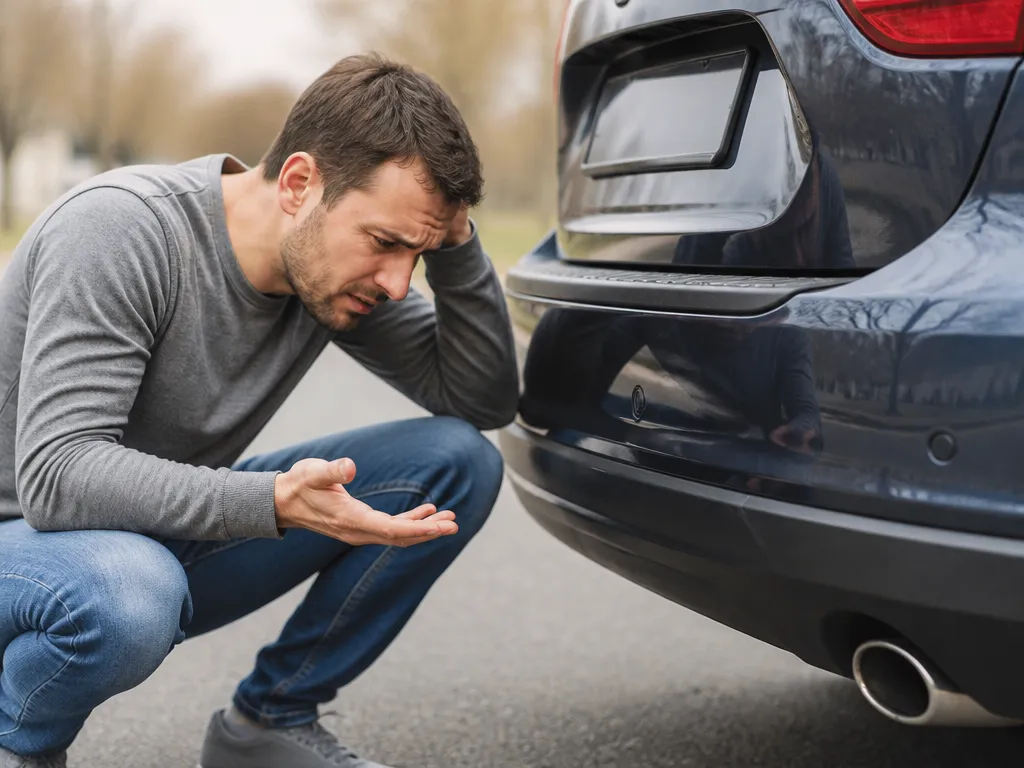
Parking sensors are basically distance-measuring microphones or radar eyes mounted in your bumper. When they detect an object within the car’s warning zone, they beep, and the beeping is designed to repeat until the vehicle moves away. If your sensor system thinks “something is there,” it will keep warning you even if the “something” is actually dirt, water, or a sensor fault.
The key is to treat the beeping like a signal, not like a random annoyance. Most recurring beeps come from a problem you can reproduce and isolate: a specific sensor location, weather conditions (wet, icy, salty), or after a recent event like a bumper scrape, tire change, or car wash. A consistent pattern helps distinguish a sensor-condition issue from an electrical fault.

Helpful pick
Promata PS01 Car Front Parking Sensor Kit with Buzzer,4 58KHz OE Standard Sensors,Radio Mute & Bull-bar Recognition Function,Detection Distance(13~39 inch)
This front parking sensor kit offers high-frequency detection and radio mute functionality, perfect for replacing faulty sensors causing constant false alerts.
Things that matter most
Start with the simplest explanation: the sensor is reporting a close object. Ultrasonic parking sensors measure reflected sound pulses, so anything that changes reflections – mud, a bumper crack, even a temporary coating – can trick the system. Many cars also use sensors to detect not just “distance,” but whether the sensors are functioning correctly; if they cannot read properly, some systems default to alarming.
Next, narrow it down by pattern. If all sensors beep the same way, you may have a system-level issue like a control module problem or low voltage. If only one side triggers the loudest alerts, that points to one sensor being contaminated or damaged. Finally, if the beeping stops after driving a few minutes, that often points to moisture or temperature-related behavior rather than permanent failure.
Here’s what usually explains continuous beeping:
- Road grime on the sensor face
- Water trapped under sensor housings
- Ice, snow, or salt film
- Bumper misalignment after repair
- Damaged sensor or wiring
- Intermittent electrical faults
💡 Understanding the core components of your vehicle’s safety system is essential for troubleshooting persistent beeping issues effectively and safely. The Things That Matter Most.
Tips for why do parking sensors keep be
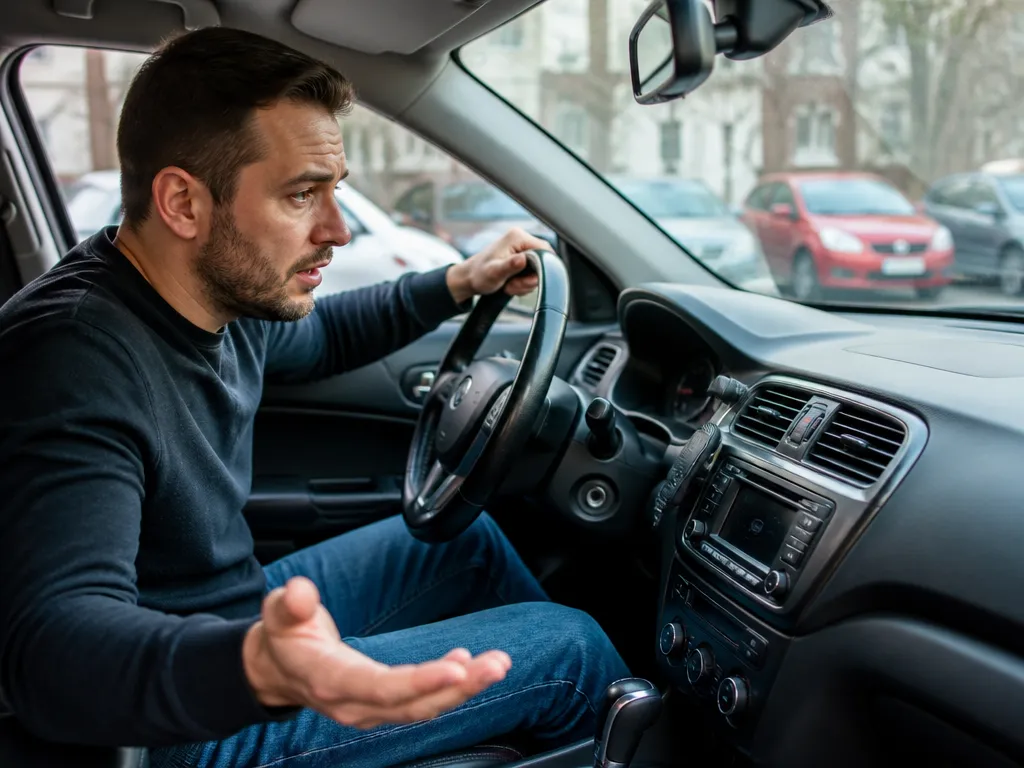
Try these in order, because you can do them without special tools and they match how sensors fail in the real world.
- Clean each sensor with a microfiber cloth and automotive-safe cleaner. Avoid aggressive scraping that can scratch the face. Rinse off any residue and dry thoroughly.
- Check for visible damage around the sensor mounting points, including cracks in the bumper or loose retainers. If the sensor cover looks popped or uneven, it can skew readings.
- Dry the system. If the beeping started after rain, wash, or driving in cold weather, wait for it to fully dry, then test again in a safe area.
- Do a “sensor-location test.” If the beeping is louder near the left rear corner, you likely have a sensor-specific problem. If the sound is uniform everywhere, it’s more likely an electrical or module issue.
- Cycle power (safely). Turn the car off and restart after a few minutes. Some temporary glitches clear like this, especially after cleaning or drying.
- Avoid DIY wiring until diagnosed. Parking sensor harnesses are easy to damage, and guessing usually wastes time.
A practical example: if the beeping starts right after a car wash, you’re usually dealing with trapped moisture or soap film. I’ve seen it where sensors beep for hours until the bumper fully dries. On the other hand, if one sensor beeps even on a sunny day, cleaning rarely fixes it.
Benefits of why do parking sensors keep be
Even annoying beeping has a purpose: it’s trying to prevent bumper contact when you’re reversing, parking, or moving in tight spaces. When the system is working correctly, it gives repeated distance warnings that are hard to ignore, which reduces the chance of scraping a curb, bumper, or hitch area.
Keeping sensors functioning also protects you from “silent failures.” If the beeping starts because the car detects a close object, you avoid damage. If the beeping continues due to a fault, that’s still useful feedback, because the system is essentially telling you “something isn’t right.” In many cases, catching a sensor issue early prevents a small wiring problem from turning into a bigger repair.
The practical benefit is that the cause can usually be isolated without guesswork, whether it involves alignment after bumper work, a moisture issue, or an electrical fault.
Options for why do parking sensors keep be
If the initial checks don’t stop the beeping, you have a few realistic paths depending on what you find.
Option 1: Confirm whether it’s sensor contamination
This is the cheapest route. Focus on the specific sensor(s) that seem associated with the beeping, especially if your car beeps on one side more. If the issue changes with weather (wet vs dry), contamination and moisture are strong candidates.
Option 2: Inspect after bumper work or impacts
If you recently hit a curb, backed into something, or had bumper work done, the sensor brackets can shift by millimeters. That’s enough to change the reflected readings. In this situation, reseating or replacing the sensor may be cheaper than replacing modules or wiring.
Option 3: Scan the vehicle for parking sensor codes
A scan tool can tell you which sensor is reporting a fault (for example, a “rear left” sensor circuit issue). Even without exact code definitions, the scanner typically points you to the failing component. This step prevents random parts swapping.
Option 4: Repair wiring or replace the sensor
If a sensor is cracked, corroded, or out of spec, replacement is often the cleanest fix. If the code points to a circuit or harness issue, you may need connector repair or harness replacement rather than a sensor swap.
Option 5: Check battery/charging health (when faults are intermittent)
When sensor faults appear during certain times (like after the car sits, or when the engine is off), weak battery voltage can contribute. Testing the battery and charging system is not glamorous, but it prevents chasing sensor ghosts.

Helpful pick
A-Premium Parking Assist Sensor Compatible with Chevy Cadillac Buick GMC
When a specific sensor is identified as the culprit, this premium replacement part ensures a perfect fit and restores factory-level performance.
Expert Advice on why do parking sensors keep be
Treat beeping as a clue to “what the car thinks.” The most efficient approach is to correlate the beeping with conditions and locations.
First, determine whether the beeping matches an obstacle scenario. For example, if you park close to a wall and the system beeps at the correct time, it’s probably generally working. If it beeps randomly when there’s nothing near the bumper, that points to contamination or an electrical fault.
Second, inspect the sensor faces and the bumper seam line. A tiny crack, a loose bumper clip, or a sensor that sits slightly proud of the bumper can change readings. If your car was recently serviced for a bumper cover replacement, sensor clips and connectors are often the culprit.
Third, use the car’s own diagnostics to identify the relevant sensor or circuit. Replacing parts without codes wastes money because many issues look identical to the driver.
Finally, don’t ignore pattern recurrence. If the beeping always happens after rain or in freezing conditions, you’re dealing with moisture, salt, or ice. If it happens in every weather, every drive, that’s more consistent with a sensor or harness fault.
why do parking sensors keep be?
For example, imagine your car beeps constantly right after a highway drive in rain. You inspect the bumper and find a thin film of grime over several sensors. After you clean and dry them, the beeping stops, which strongly suggests the sensors were reading altered reflections from the dirty face.
In practice, one-sided beeping is often sensor-specific. If only the rear left corner beeps when you’re stationary, check that sensor and the bumper cover for misalignment. If the beeping persists even in dry weather, replacement or wiring repair becomes the likely next step.
Another common scenario is post-repair behavior. If your bumper was replaced or repainted recently, the sensor mounting depth can change. In that case, the car may detect an obstacle even when nothing is close. A quick inspection of sensor seating and connector fit is usually more productive than guessing.
Here’s a quick “pattern to likely cause” cheat sheet:
- Beeping starts after rain/car wash – moisture, soap film, road salt residue
- Beeping starts in cold weather – ice/snow film on sensors
- Beeping only from one side – contaminated or damaged single sensor
- Beeping from everywhere, intermittent – electrical fault, low voltage, module issue
- Beeping after bumper work – sensor alignment, clip/connector fit, harness routing
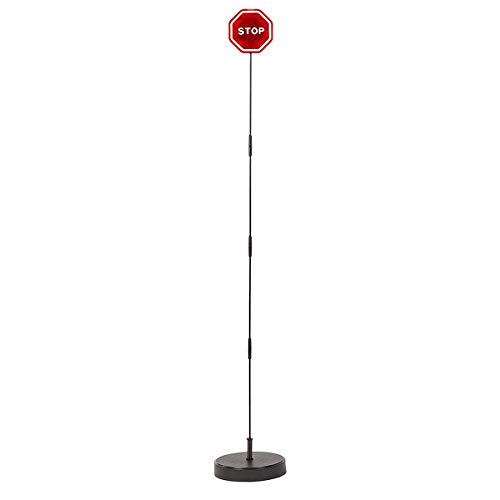
Helpful pick
CENTAURUS Garage Parking Assist Led Flashing Garage Parking Sensor Perfect Target Indicator Parking Flashlight System with Adjustable Height Guide LED Stop Sign Bumper Sensor, Red (1 Pack)
If your sensors are clean but still beep, this garage parking assistant provides a visual guide to prevent bumper contact while parking.
FAQ
Why do parking sensors beep when I’m not close to anything?
Most false alarms come from a contaminated sensor face (mud, film, road salt) or moisture/ice. If the beeping continues in dry conditions, scan the car for parking sensor codes to identify the specific sensor or circuit.
Can a dirty parking sensor cause constant beeping?
Yes. A thin layer of grime or residue can change how the sensor face reflects signals, so the car “thinks” an object is nearer than it is.
Will a weak car battery make parking sensors beep?
It can. Low voltage and charging issues can cause intermittent sensor faults and warnings, especially on cars that monitor sensor circuits closely. If the beeping happens along with other electrical weirdness (slow start, dashboard lights), test battery health and charging output.
How do I stop the beeping without damaging anything?
Start with safe steps: clean sensor faces, remove ice/snow, and let the bumper dry fully. Then restart the car and test in a safe area. If the beeping continues, read parking sensor trouble codes before replacing parts.
What’s a common mistake people make with parking sensors?
They replace sensors immediately when the issue is actually contamination or moisture. If the beeping pattern changes with weather or after washing, confirm which sensor is triggering before moving to replacement.
Disclosure: As an Amazon Associate, I may earn from qualifying purchases at no extra cost to you. Amazon and the Amazon logo are trademarks of Amazon.com, Inc, or its affiliates.
- Amazon, Amazon Prime, the Amazon logo and Amazon Prime logo are trademarks of Amazon. com, Inc. or its affiliates.

Hi, I am AKM Sad. I’m a car enthusiast and reviewer who loves exploring gadgets and accessories. I share honest reviews and practical tips to help you get the best products and enjoy a safer, smoother ride.