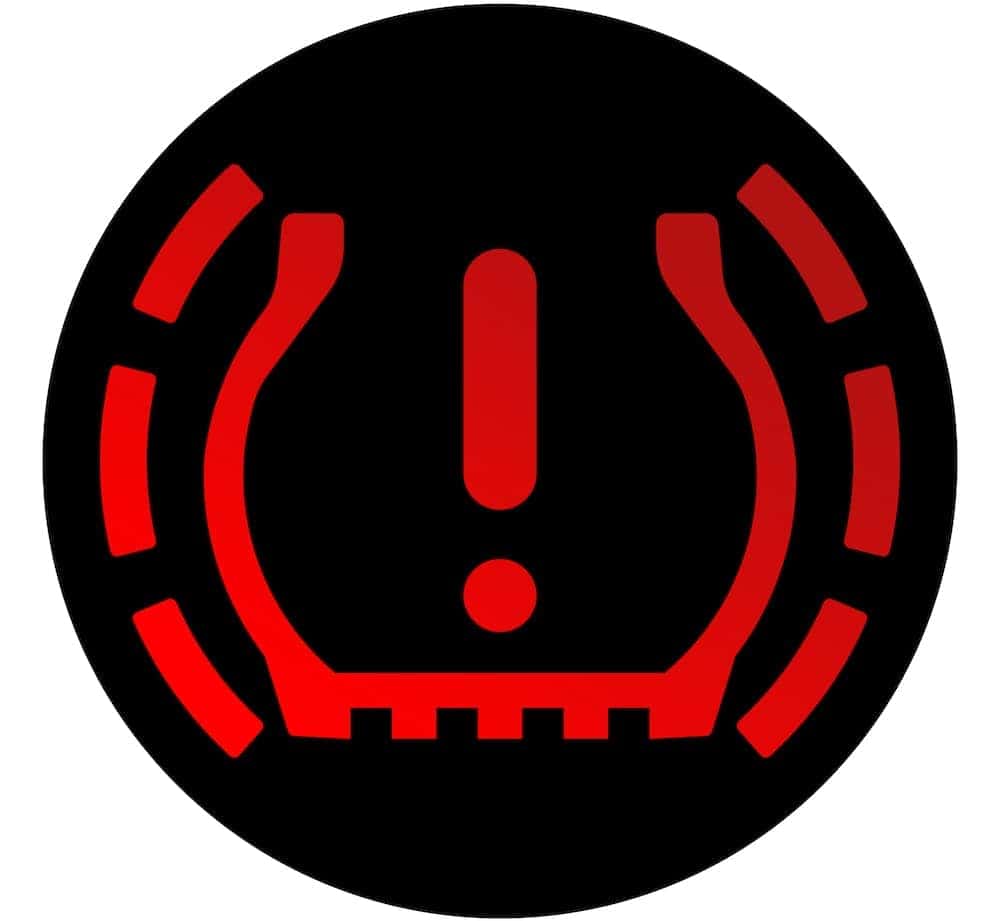
Are you seeing a tire monitor error on your Chevrolet Tahoe and don’t know what to do? This warning can be confusing and even stressful, but you’re not alone—and fixing it might be easier than you think.
Understanding why this error appears and how to solve it can save you time, money, and keep your Tahoe running safely. Keep reading, and you’ll learn simple steps to clear the tire monitor error and get back on the road with confidence.
Credit: www.lemanchevy.com
Common Causes Of Tire Monitor Errors
Tire monitor errors in a Chevy Tahoe often confuse drivers. These errors signal trouble with the Tire Pressure Monitoring System (TPMS). Understanding common causes helps fix the problem quickly. This section explains the main reasons behind tire monitor errors.
Low Tire Pressure
Low tire pressure is a top cause of tire monitor errors. Tires lose air slowly over time. This triggers the sensor to warn the driver. Driving with low pressure risks safety and tire damage. Regular checks help avoid these issues.
Faulty Tire Pressure Sensors
Sometimes, the sensors themselves fail. Dirt, damage, or wear can stop sensors from working. Faulty sensors give false alerts or no alert at all. Replacing broken sensors restores proper monitoring.
Dead Sensor Batteries
TPMS sensors run on small batteries. These batteries last several years but eventually die. Dead batteries cause the tire monitor to show errors. Sensor battery replacement fixes this issue.
TPMS Module Issues
The TPMS module controls sensor signals. Electrical faults or software glitches can cause errors. Resetting or repairing the module often solves the problem. Professional help may be needed for this.
Extreme Weather Effects
Cold or hot weather affects tire pressure. Cold air shrinks, lowering pressure and triggering warnings. Heat expands air, sometimes causing sensor errors. Weather changes need extra attention to tire pressure.
Checking Tire Pressure Correctly
Checking tire pressure correctly is key to fixing the Chevrolet Tahoe tire monitor error. Proper pressure keeps tires safe and improves fuel efficiency. Many errors happen because of wrong pressure readings. Accurate checks prevent these issues.
Using A Reliable Pressure Gauge
Use a good-quality pressure gauge to get exact readings. Cheap or old gauges may show wrong numbers. Digital or dial gauges work well. Keep the gauge clean and store it in a dry place. This helps maintain its accuracy over time.
Recommended Pressure Levels
Find the correct tire pressure in the Tahoe’s owner manual or on the door sticker. Usually, it is measured in PSI (pounds per square inch). Do not guess or use the pressure from other cars. Proper pressure avoids tire wear and monitor errors.
When To Check Tire Pressure
Check pressure when tires are cold, before driving or after resting for a few hours. Heat from driving raises pressure and causes wrong readings. Check pressure at least once a month and before long trips. Consistent checks help keep your Tahoe safe.
Resetting The Tire Pressure Monitor
Resetting the tire pressure monitor can clear error messages on your Chevrolet Tahoe. This step helps the system learn the current tire pressures. It often fixes false alerts and warning lights. Resetting is simple and does not need special tools.
There are two common ways to reset the tire pressure monitor. One is a manual reset using buttons in the vehicle. The other uses the vehicle’s built-in menu system on the dashboard screen. Both methods are quick and easy to follow.
Manual Reset Steps
Start your Tahoe and keep it in park. Locate the tire pressure reset button. It usually sits under the steering wheel or near the glove box. Press and hold this button for about 3 seconds.
The tire pressure light will flash and then go off. Release the button once the light turns off. Drive the vehicle for a few minutes at a speed above 20 mph. This lets the system update the tire pressure readings.
If the light stays off, the reset worked. If it returns, check your tire pressures again. Inflate tires to the recommended PSI listed in your owner’s manual or door sticker.
Using The Vehicle’s Menu System
Turn on your Tahoe and access the dashboard screen. Use the control knob or touchscreen to open the settings menu. Find the “Tire Pressure Monitor” or “TPMS” option.
Select the reset or relearn function from this menu. Confirm your choice to start the reset process. The system will scan and reset the sensors on all tires.
Drive the vehicle for several minutes to complete the update. The warning light should turn off. This method helps if the manual button is hard to find or not working.
Replacing Faulty TPMS Sensors
Replacing faulty TPMS sensors is a key step to fix Chevrolet Tahoe tire monitor errors. Sensors can fail over time due to battery loss or damage. Changing them ensures your tire pressure system works properly. This helps keep your driving safe and avoids warning lights on the dashboard.
Identifying Sensor Problems
Check for warning lights on your dashboard. The TPMS light often indicates sensor issues. Use a tire pressure gauge to compare readings with the system. If the sensor reading is missing or wrong, it likely needs replacement. Listen for sensor battery failure signs, such as intermittent alerts. Physical damage to the sensor may also cause errors.
Purchasing Compatible Sensors
Choose sensors designed for Chevrolet Tahoe models. Each car uses specific sensor types and frequencies. Buy from trusted brands or official dealers to ensure quality. Verify compatibility by checking the sensor part number. Avoid cheap, generic sensors that may not work well. Proper sensors improve accuracy and system reliability.
Stop the Tire Pressure Guesswork!
Find the perfect, pre-programmed TPMS sensors that are 100% compatible with your Tahoe model.
View Best TPMS Sensor for Chevy TahoeInstallation Tips
Install sensors carefully to avoid damage. Deflate the tire before removing the old sensor. Use the correct tools to loosen and tighten sensor nuts. Reset or reprogram the new sensors following the Tahoe’s manual. Check tire pressure and sensor signals after installation. Professional help is useful if unsure about installation steps.
Dealing With Dead Sensor Batteries
Dead sensor batteries cause tire monitor errors in Chevrolet Tahoe. Sensors use batteries to send tire pressure data. When batteries die, the system stops receiving signals. This triggers warning lights on your dashboard. Fixing dead batteries restores accurate tire pressure monitoring.
Symptoms Of Dead Batteries
Warning light stays on after tire inflation. No signal detected from one or more sensors. Tire pressure readings show as zero or blank. System error messages related to sensors appear. Inconsistent or missing tire pressure alerts occur.
Sensor Battery Replacement Options
Replace the entire sensor unit since batteries are sealed. Visit a dealer or tire shop for replacement. Some sensors allow battery swaps, but rare in Tahoe. Use original or compatible sensors for best results. After replacement, reset the tire pressure system.

Credit: www.campchevrolet.com
When To Visit A Professional
Sometimes, fixing a Chevrolet Tahoe tire monitor error requires expert help. Simple resets or battery changes might not solve the problem. Professionals have the skills and tools to handle tough issues. Knowing when to visit a professional saves time and avoids damage to your vehicle.
Complex TPMS Module Repairs
The Tire Pressure Monitoring System (TPMS) module controls the sensors. Faults in this module cause persistent errors. Repairing or replacing the TPMS module is tricky. It needs expert knowledge of vehicle electronics. A professional can safely fix or replace the module without harm.
Diagnostic Tools And Services
Special diagnostic tools read TPMS error codes. These tools pinpoint the exact problem quickly. Professionals use scanners that connect to the Tahoe’s system. They check sensor signals, battery status, and module function. This service ensures a precise and lasting repair.
Preventing Future TPMS Errors
Preventing future TPMS errors in your Chevrolet Tahoe helps keep your tires safe and your drive smooth. Regular care avoids many common sensor problems. Simple habits protect your tire pressure system and save you time and money. Follow these easy steps to keep your TPMS working well.
Regular Tire Maintenance
Check your tire pressure at least once a month. Use a reliable tire gauge for accurate readings. Inflate tires to the manufacturer’s recommended pressure. Rotate tires every 6,000 to 8,000 miles. Proper rotation balances tire wear and sensor function. Replace tires promptly when tread wears thin. Worn tires can cause false TPMS alerts.
Seasonal Checks
Inspect tire pressure before seasonal changes. Cold weather lowers tire pressure quickly. Warm weather may increase pressure. Adjust tires to the right level for each season. Check sensor batteries during annual maintenance. Old batteries lead to sensor failures. Seasonal checks reduce the risk of unexpected warnings.
Keeping Sensors Clean
Clean your tire valves and sensors regularly. Dirt and road salt can block signals. Use a soft brush and mild soap. Avoid harsh chemicals that damage sensors. Clean sensors help maintain good communication with your vehicle. Keeping sensors clean prevents many TPMS errors.

Credit: www.youtube.com
Frequently Asked Questions
What Causes Chevy Tahoe Tire Monitor Error?
The error usually occurs due to faulty sensors, low tire pressure, or dead sensor batteries. Damaged or dirty sensors can also trigger the alert. Proper diagnosis is essential to pinpoint the exact cause and fix the issue efficiently.
How To Reset Chevrolet Tahoe Tire Pressure Monitor?
To reset, drive your Tahoe at 50 mph for 10 minutes. Alternatively, use the vehicle’s TPMS reset button if available. Consult your owner’s manual for specific reset instructions tailored to your model year.
Can I Fix Tire Monitor Error Myself?
Yes, basic fixes like checking tire pressure or cleaning sensors are DIY-friendly. For sensor replacement or advanced diagnostics, professional help is recommended to avoid further damage and ensure accuracy.
How Often Should I Check Tahoe Tire Sensors?
Check tire sensors every six months or during regular tire maintenance. Frequent checks help prevent errors and ensure your TPMS functions correctly, maintaining vehicle safety and optimal tire performance.
Conclusion
Fixing a Chevrolet Tahoe tire monitor error is easier than it seems. Check your tire pressure regularly to avoid warnings. Reset the system after adjusting tires to clear errors. Keep sensors clean and replace batteries when needed. These simple steps help maintain safe driving conditions.
Stay alert to tire monitor signals for better vehicle health. Taking quick action prevents bigger problems on the road. Regular care keeps your Tahoe running smoothly and safely.
Disclosure: As an Amazon Associate, I may earn from qualifying purchases at no extra cost to you. Amazon and the Amazon logo are trademarks of Amazon.com, Inc, or its affiliates.
- Amazon, Amazon Prime, the Amazon logo and Amazon Prime logo are trademarks of Amazon. com, Inc. or its affiliates.

I am Sadman, the founder of CarSensorHub.com, where I share my passion for cars and technology. I specialize in writing detailed reviews and helpful guides on car gadgets, accessories, safety tools and many more. My mission is to help car owners discover the best products and tips to improve their driving experience and stay safe on the road.


