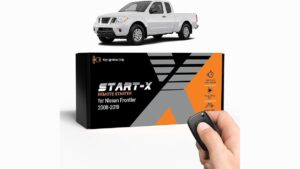
You can activate the climate control and engine remotely by pressing the lock button on your key fob, followed by pressing and holding the remote start button. This feature works on most Nissan Frontier models equipped with a factory-installed system. It’s best suited for drivers who want to cool or heat their cabin before entering the vehicle during extreme weather.
Equipment needed for remote starting
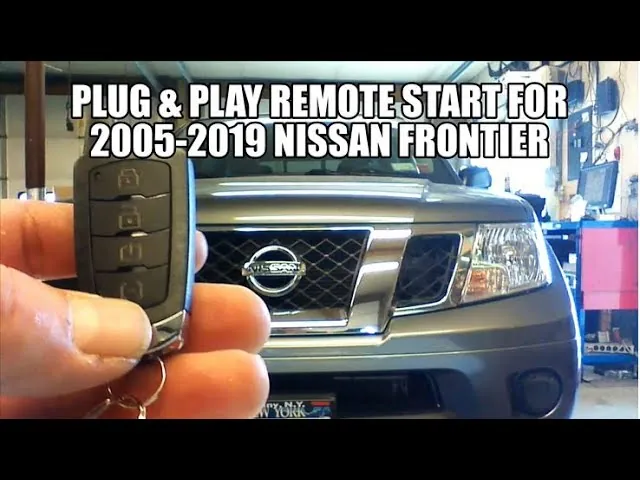
To use this feature, you must have the original key fob that came with your truck. If you have lost your original fob, you’ll need a replacement programmed specifically to your vehicle’s security system.
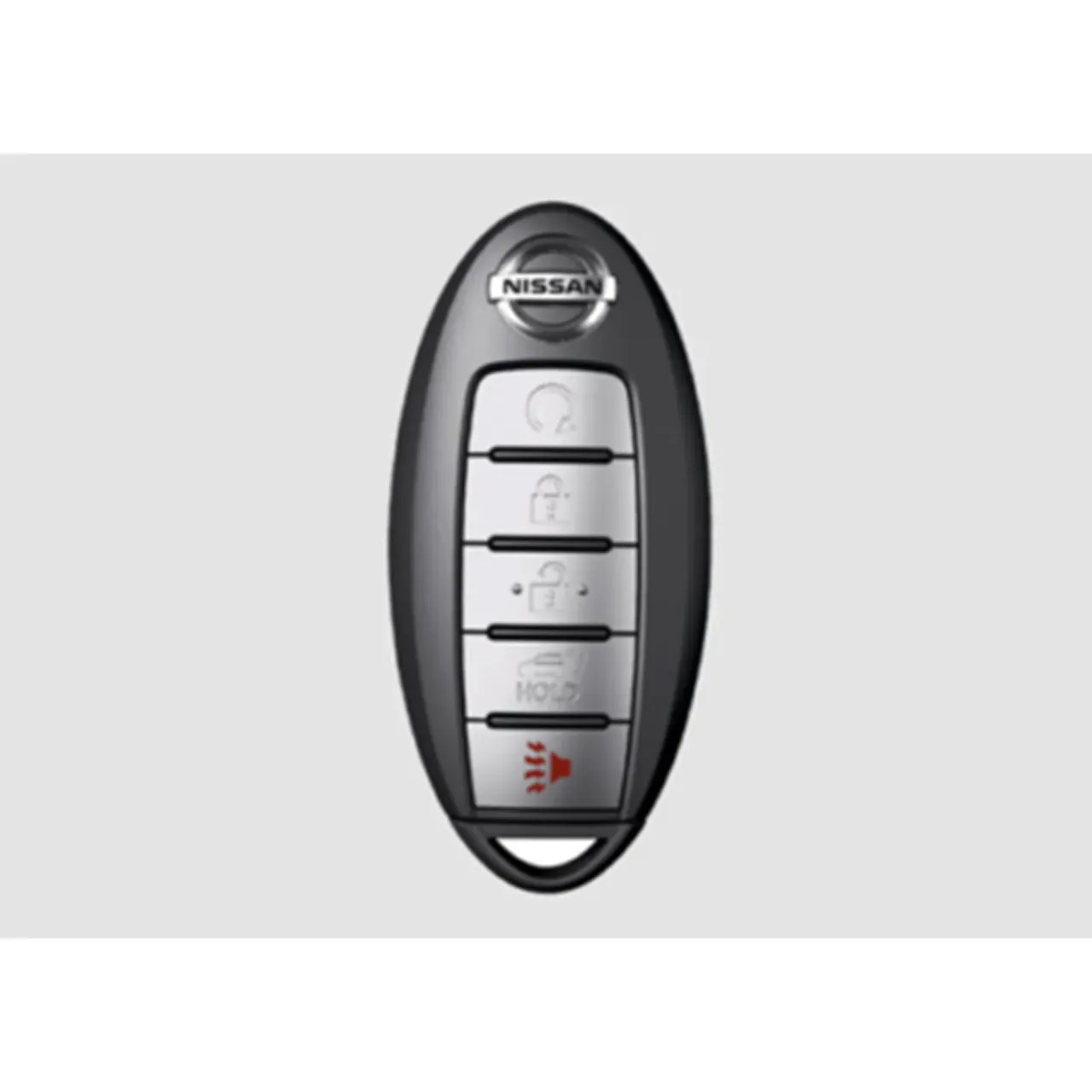
- Original Nissan factory key fob with the remote start icon.
- Working battery inside the key fob (CR2032 or CR2025, check your manual).
- Active NissanConnect Services subscription, if using the smartphone app.
- Vehicle in “Park” with all doors and the hood fully closed.
- Fuel level above the “Reserve” mark to prevent engine cut-off.
If your fob is damaged, you can’t program a new one yourself without Nissan’s official diagnostic tool. You should visit a local dealership to ensure the security codes are paired correctly to your specific VIN.
Steps to remote start your truck
- Stand within 100 feet of your vehicle to ensure the signal reaches the receiver.
- Press the “Lock” button on your key fob once to secure all doors.
- Press and hold the “Remote Start” button, which is marked with a curved arrow, for at least three seconds.
- Watch for the hazard lights to flash, which confirms the signal was received by the truck.
- Wait for the engine to crank and start; the climate control will automatically run based on your last saved settings.
- Enter the vehicle within 10 minutes, as the engine will shut off automatically when the remote start timer expires.
Careful: Never run your engine in a closed garage or an area without proper ventilation to avoid carbon monoxide buildup. Tip: If the engine fails to start, check that your hood is latched completely, as the system disables itself if the safety sensor detects an open hood.
Remote start situational changes
The performance and limitations of your system depend on your environment and the specific model year of your Nissan Frontier. Starting your vehicle in a cold environment requires more battery power than in mild conditions, which can affect the success rate of the remote signal.
| Situation | Time/Cost | Difference | What to watch |
|---|---|---|---|
| Extreme cold | 10 minutes | Slower cabin warm-up | Battery health |
| Low fuel | 0 minutes | System disables start | Fuel light status |
| Underground garage | 0 minutes | Signal interference | Proximity to door |
| Smartphone app | Subscription | Requires data signal | Cellular coverage |
It’s always safer to start your truck for a short duration and extend it if needed rather than attempting multiple long cycles. Over-running the engine while idling can lead to unnecessary fuel waste and increased wear on your emissions components.
Verifying a successful remote start
A successful remote start is confirmed when the parking lights flash and the engine remains running without the ignition key turned. You should hear the engine idle and feel the climate control system begin to blow air through the vents.
If the lights flash but the engine doesn’t turn over, the vehicle security system may have detected a fault or an open door. Check that your hood is fully latched, as a tripped safety sensor will disable the ignition sequence immediately.
The most common quality issue is the climate control not reaching the desired temperature. This happens because the system defaults to the last setting used before you turned the engine off. To prevent this, always set your heater or air conditioning to your preferred level before you exit the truck for the day.
If you drive a vehicle with manual climate dials, ensure they’re physically set to the defrost position. Automated systems often require the “Auto” button to be engaged to prioritize cabin temperature over fan speed.
Rules and safety requirements
Nissan recommends that you don’t leave your vehicle idling for more than 10 minutes at a time to comply with local idling laws and to protect the engine. After 10 minutes, the system is designed to shut down automatically to save fuel. If you need to stop the engine manually, press the remote start button once more.
If you suspect an electrical fault or if the remote start stops working entirely, don’t attempt to bypass the wiring. This system is integrated with the vehicle’s immobilizer and security sensors, which require specialized training to service. Contact an authorized Nissan technician to inspect the receiver module if the fob batteries are fresh but the system remains unresponsive.
Alternative methods for remote access
Using NissanConnect Services
If your specific Frontier trim supports it, you can use the smartphone app instead of the key fob. This method allows you to start your engine from much further away, provided both your phone and the truck have a cellular data connection. This typically requires a monthly service plan.
Aftermarket remote start kits
If your truck didn’t come with the feature, you can install a third-party remote start system. These kits vary in cost and complexity. You must ensure the installer is familiar with the Frontier’s electrical architecture to avoid voiding your vehicle’s warranty or causing long-term electrical shorts.
This article may help you more: Best Remote Starter Kits for Nissan Frontier
Professional dealer installation
You can have a factory-authorized remote start system added by your local Nissan dealer. This ensures that the equipment is fully compatible with your vehicle’s electronics. While this is the most expensive route, it maintains the integrity of your factory warranty and includes a guarantee on the labor performed.
Related guides
- How to Disable Chevrolet Tahoe Auto Start-Stop: Easy Step-by-Step Guide
- Ford F-150 Remote Start Kit Plug And Play: Easy Installation & Instant Comfort
- Best Auto Start Stop Eliminator for F-150: Plug and Play
FAQs Anout How To Remote Start Nissan Frontier
Can I remote start my Nissan Frontier from my phone?
Yes, you can start your truck from your phone if your vehicle is equipped with NissanConnect Services. You must download the official app and maintain an active subscription to link your vehicle to your account. This provides the convenience of starting the engine from almost any location with cell service.
How long will the engine run after a remote start?
The engine will run for 10 minutes before it automatically shuts off to conserve fuel. You can extend this time by repeating the start procedure once, but the system won’t allow the engine to run indefinitely. This limit is set to ensure the vehicle isn’t left idling for an unsafe period.
Is it safe to remote start in a garage?
No, you should never remote start your vehicle inside a closed garage or any enclosed space. Carbon monoxide can quickly build up to dangerous levels, which poses a severe risk to anyone in the building. Always ensure your vehicle is parked in an open, well-ventilated area before using this feature.
Why does my engine shut off when I open the door?
The engine may shut off if the system doesn’t detect the Intelligent Key inside the vehicle cabin. This is a security feature designed to prevent unauthorized people from driving your truck away if they manage to open the door. Keep your key fob with you when you approach the vehicle to ensure a smooth transition.
What happens if I have low fuel?
The remote start system will prevent the engine from starting if the low fuel light is illuminated on your dashboard. This safety measure protects the fuel pump from running dry and prevents the engine from stalling shortly after it starts. Always keep your tank above the reserve level to ensure the feature functions.
How far away can I be to remote start?
You can generally activate the system from within 100 feet of the vehicle when using the factory key fob. Factors like walls, large buildings, or heavy interference can reduce this range significantly. If you need a longer range, consider using the smartphone app, which relies on cellular networks rather than a direct radio signal.
Conclusion
The remote start feature is a convenient way to prepare your vehicle for your commute, but it requires you to be mindful of your surroundings and the specific status of your truck. By following the steps above and ensuring your doors and hood are properly secured, you can enjoy a comfortable cabin temperature every time you step into your driver’s seat.
Disclosure: As an Amazon Associate, I may earn from qualifying purchases at no extra cost to you. Amazon and the Amazon logo are trademarks of Amazon.com, Inc, or its affiliates.
- Amazon, Amazon Prime, the Amazon logo and Amazon Prime logo are trademarks of Amazon. com, Inc. or its affiliates.

I am Sadman, the founder of CarSensorHub.com, where I share my passion for cars and technology. I specialize in writing detailed reviews and helpful guides on car gadgets, accessories, safety tools and many more. My mission is to help car owners discover the best products and tips to improve their driving experience and stay safe on the road.